

{slug} subdomains) — with an operator console, subscriptions, and storefront themes.
Instead of building catalog, playback admission, billing, branding, and tenant routing from scratch, you deploy Streamly once, connect Supabase, apply a theme, and start filling your catalog.
Built on Next.js, Supabase, PostgreSQL, and TypeScript, with an optional Cloudflare Workers path via OpenNext. Production reference host: streamly.watch.
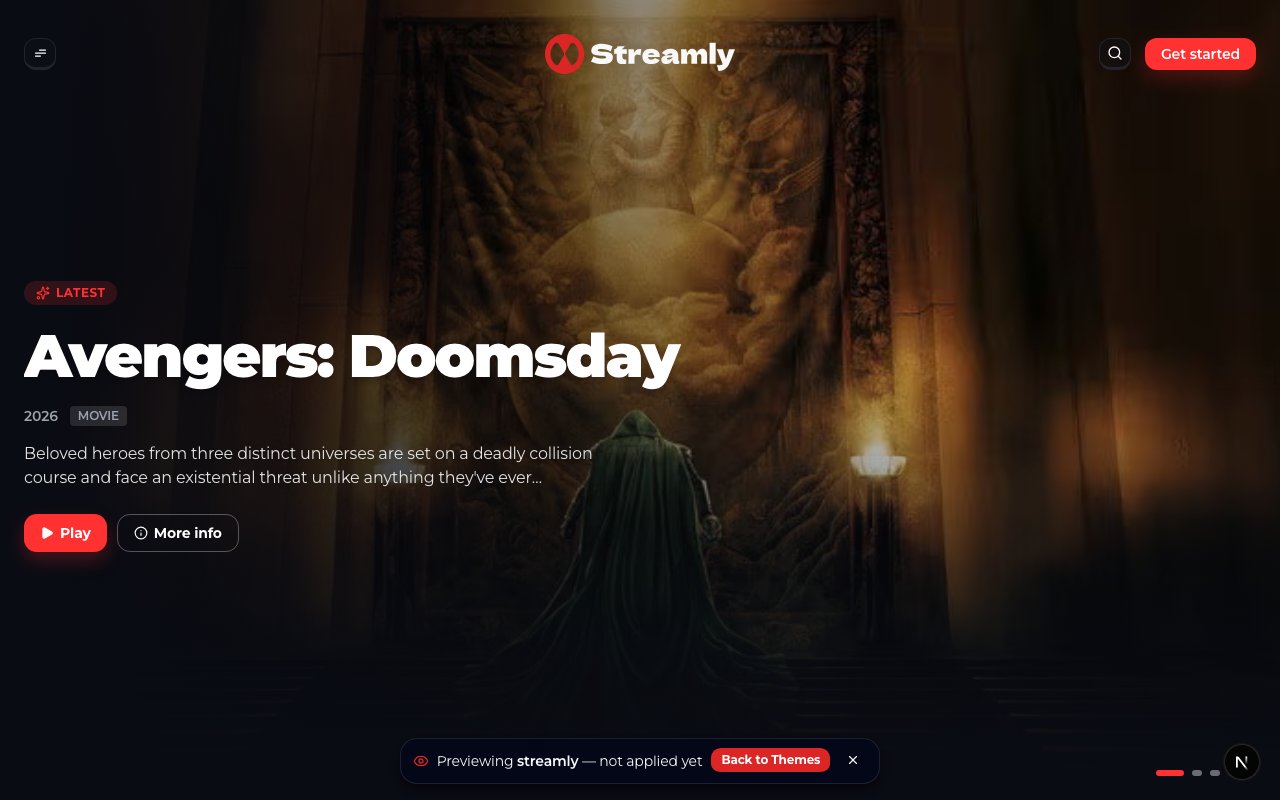
Streamly theme storefront — branded logo in the header.
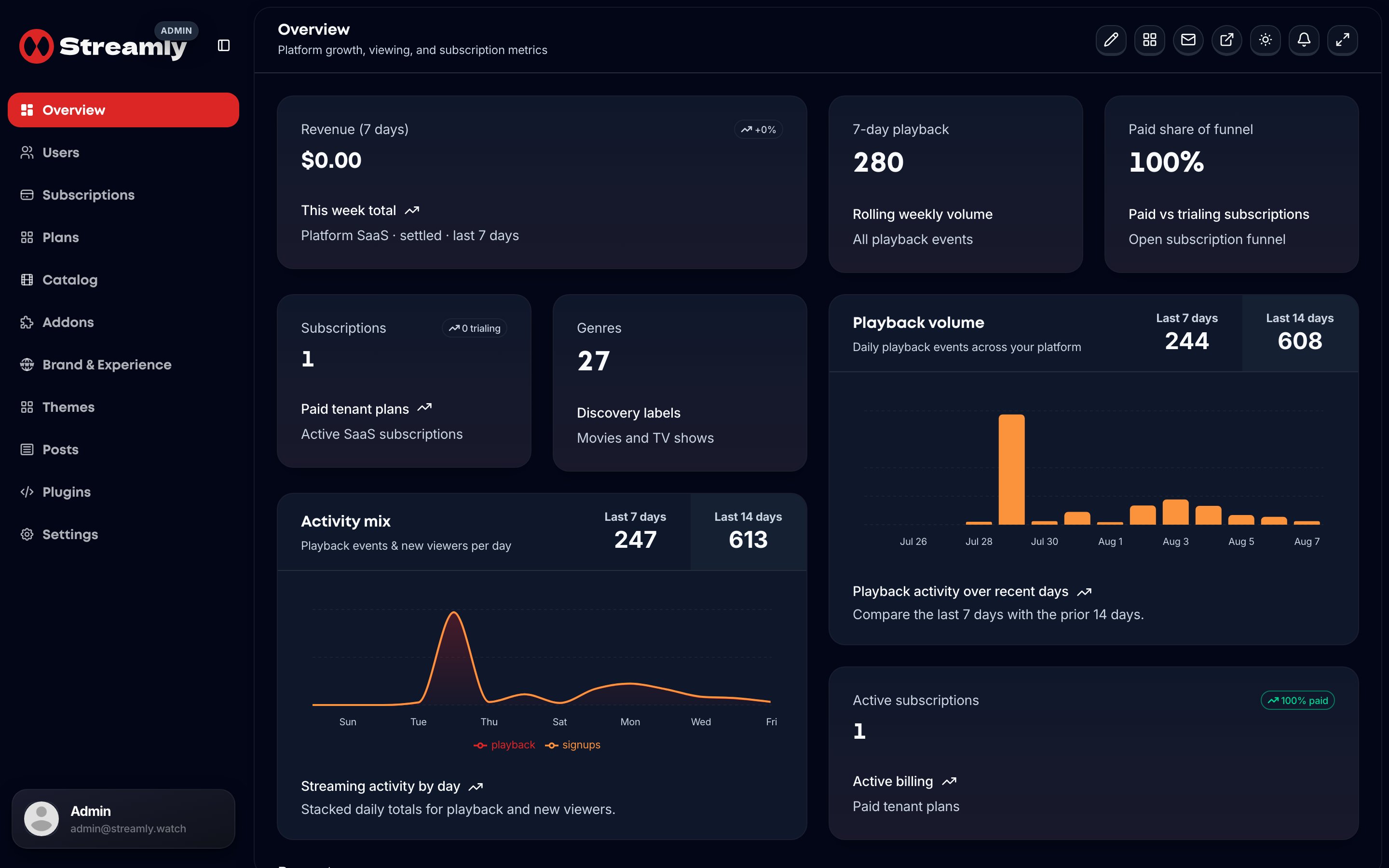
Streamly Admin Overview — operator control center.
Why Streamly Exists
Launching a streaming product requires more than a player:- Operator vs viewer auth and host-based tenant resolution (platform host /
{slug}subdomains) - Catalog (movies, TV seasons/episodes, genres, collections, homepage sections)
- Playback sessions, plans, and billing webhooks
- White-label Brand & Experience (colors, logos, fonts, SEO, legal pages)
- Storefront themes that change look without forking routes
- Live TV, ads, and streaming source addons
- Deploy to Node or Cloudflare Workers without rewriting the app
One App, Three Surfaces
Admin and dashboard on tenant hosts redirect to the platform host (
NEXT_PUBLIC_PLATFORM_HOST).
Who Streamly Is Built For
Core Features
Operator Admin
Viewer Storefront
Tech Stack
Start here (CodeCanyon buyers)
- Extract the ZIP and open
README-FIRST.txt - Follow Installation (from the ZIP)
- Use First Launch Checklist before go-live
What You’ll Have After Setup
- Supabase project with migrations applied
- Environment secrets configured (local or Worker)
- Operator login at
/admin/login - An applied storefront theme and Brand & Experience look
- At least one catalog title viewers can browse