

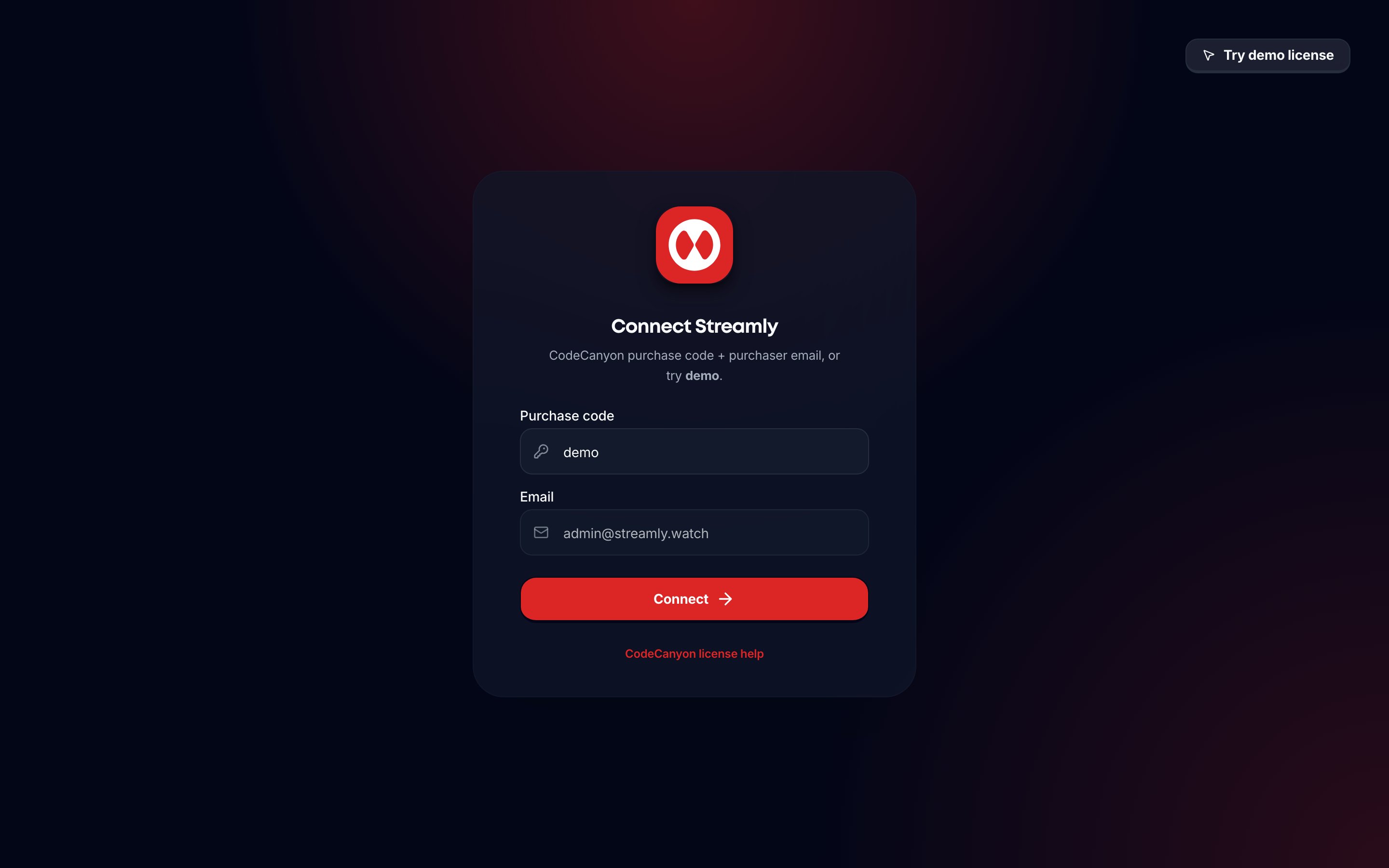
Operator sign-in - email and password on /admin/login.
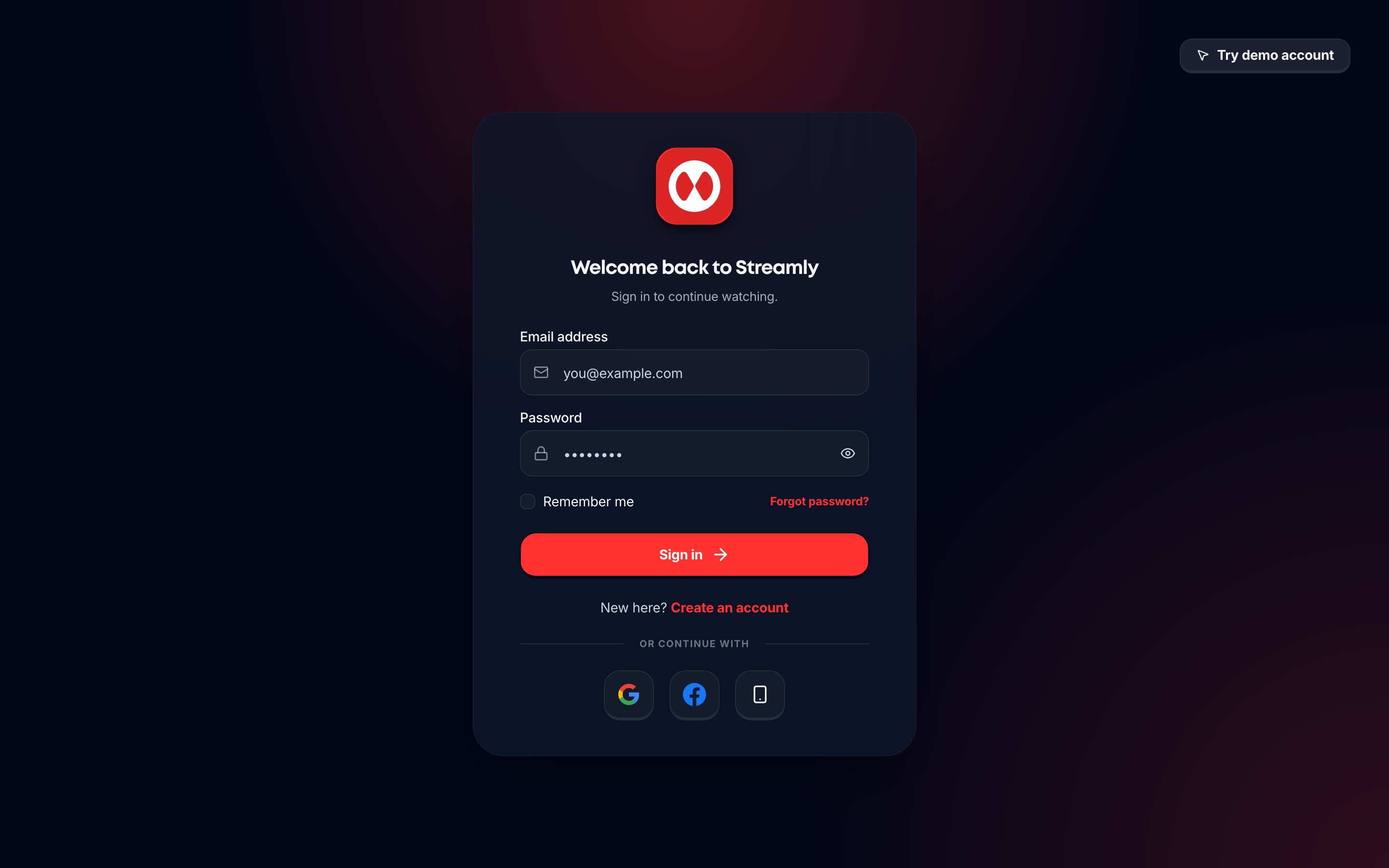
Viewer sign-in - email/password on /login.
Cookie scopes
Operator flow
- Open
/admin/loginand enter email and password. - On a new install, use
STREAMLY_INITIAL_ADMIN_EMAILandSTREAMLY_INITIAL_ADMIN_PASSWORD. These are server-only. Do not prefix them withNEXT_PUBLIC_. Production password: 16+ characters. Streamly creates the user in Supabase Auth, setsprofiles.is_operator=true, and signs in with the operator cookie. - After that first operator exists,
/api/admin/loginusessignInWithPasswordand only allowsis_operator=true. It does not create or promote unknown users. On production, it does not useSTREAMLY_INITIAL_ADMIN_PASSWORDto reset that account. - You can remove
STREAMLY_INITIAL_ADMIN_PASSWORDfrom the host and redeploy. Login still works. - Public viewer signup does not create operators.
- Success goes to
/admin/overviewor/admin/onboarding.
ENABLE_DEMO=true to show Try demo. Leave that flag off on a customer install. Admin login does not check an Envato purchase code.
Viewer flow
- Open
/loginor/signup. - Sign in with email/password, phone OTP (
signInWithOtp), and/or Google / Facebook when those Supabase providers are enabled. - Phone OTP requires a configured Supabase phone provider (SMS).
/auth/callbackcompletes OAuth / magic-link redirects.- Middleware may require Who’s Watching (
/profiles) before gated routes. /moviesand/showsrequire authentication.
demo@streamly.watch / demo123456 - not the operator.
Refresh
/api/auth/refresh renews sessions. Landing helpers: /api/landing/session, /api/landing/logout.