

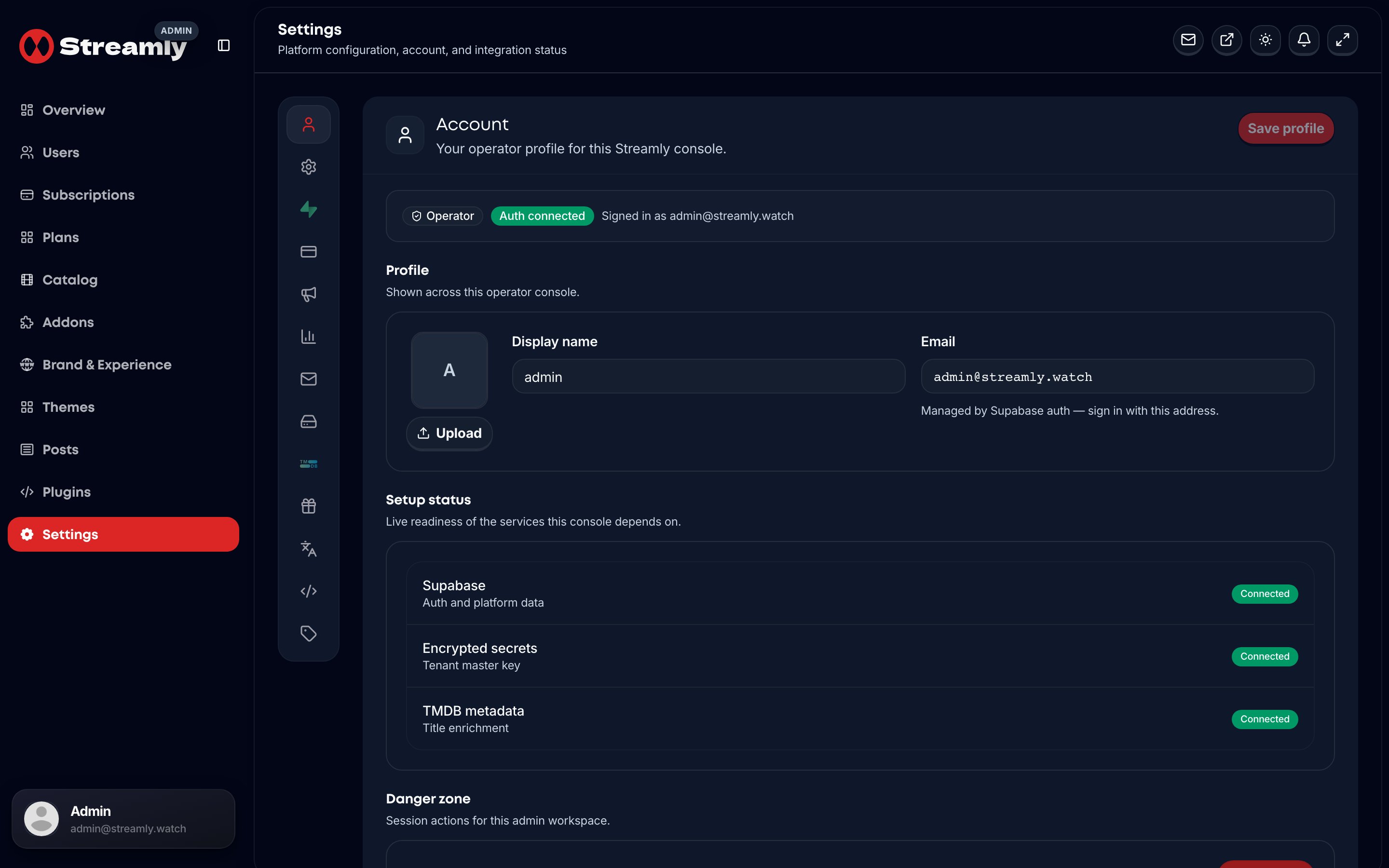
Admin Settings — Supabase Auth shows as connected when env keys are set.
1 — Create a project
Create a fresh project. Do not reuse retired Streamly credentials from old environments.2 — Apply migrations
Apply every file insupabase/migrations/ in numeric filename order. There is no combined schema.sql.
Example domains covered: control plane, catalog, sources, viewers, billing, RLS, plugins, Live TV, theme packages, contact, downloads.
See Database Schema.
3 — Environment keys
4 — Auth recommendations
For OTT-length sessions (from.env.example notes):
Callback route:
/auth/callback.
5 — Verify
Use admin flows //api/admin supabase-check style endpoints after deploy, and confirm operator + viewer login both work with separate cookie scopes.