

/admin/plugins. Keys are not in .env.example.
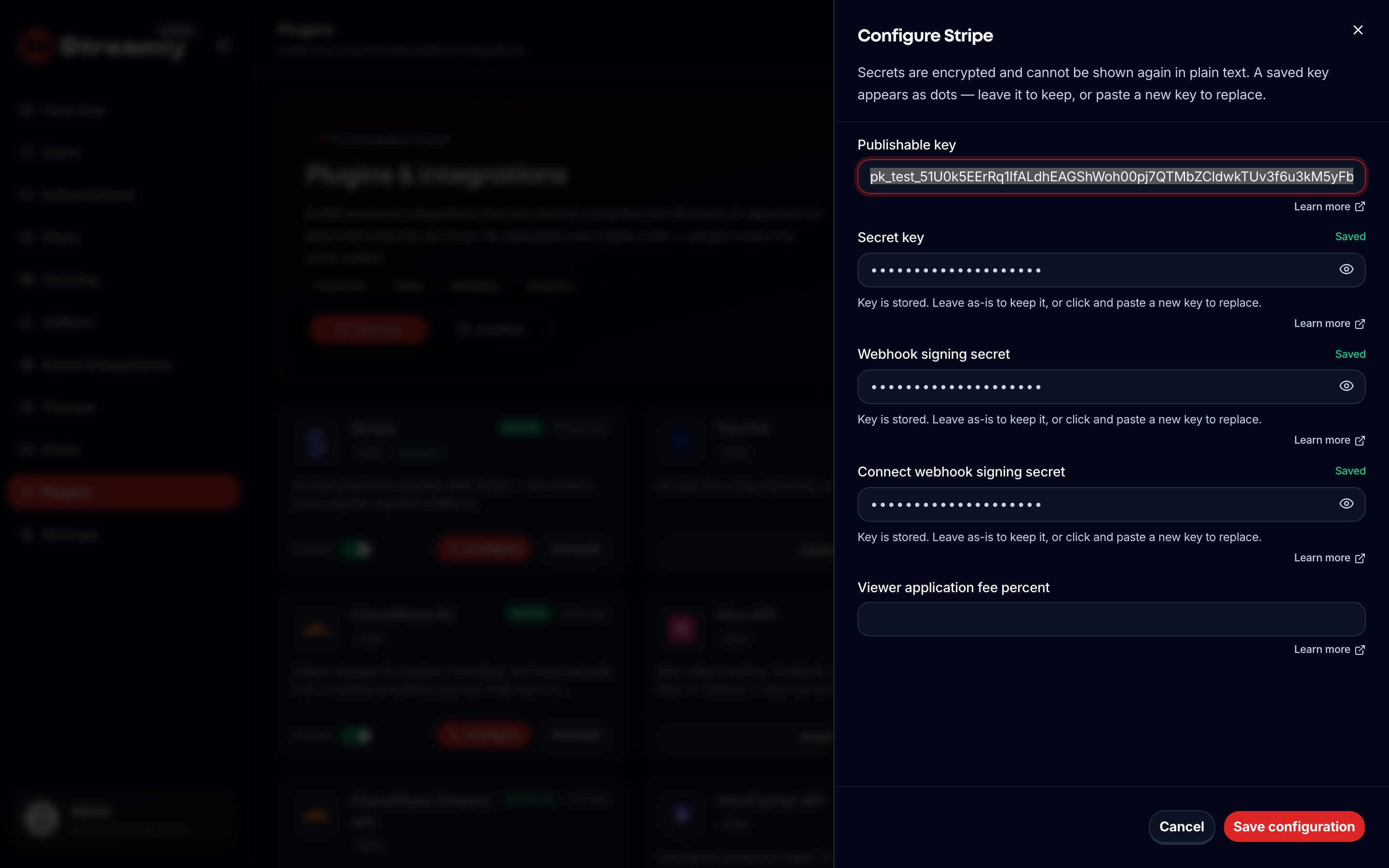
Configure Stripe — publishable key, secret key, and webhook secret in Admin → Plugins.
Wired payment methods
Stripe fields (/admin/plugins → Stripe)
Webhook URL:
https://YOUR_HOST/api/webhooks/stripeConnect return/refresh:
/dashboard/settings?stripe=return|refreshCheckout APIs:
/api/v1/billing/platform/checkout, /api/v1/billing/viewer/checkout, /api/v1/billing/connect
PayPal
ConfigureclientId, clientSecret, optional webhookId / environment on the PayPal plugin.Webhook:
https://YOUR_HOST/api/webhooks/paypalViewer API:
/api/v1/billing/viewer/paypal
Bank transfer
- Enable
payments.bank_transferand set required instructions (shown to viewers). - Viewer submits a bank-transfer payment.
- Operator approves (or rejects) under
/admin/subscriptions(and related operator API/api/operator/bank-transfer/[transactionId]).
Free trials
Under/admin/settings → Trial:
Trials do not auto-renew into a paid period without a later payment. See Settings and Billing FAQ.
Plans
Create tiers in/admin/plans. Viewers subscribe on /pricing and /subscribe. Manage renewals, history, PayPal/bank actions in Subscriptions.