

/admin/plugins) install bigger platform integrations (16 packs in the current ship set).
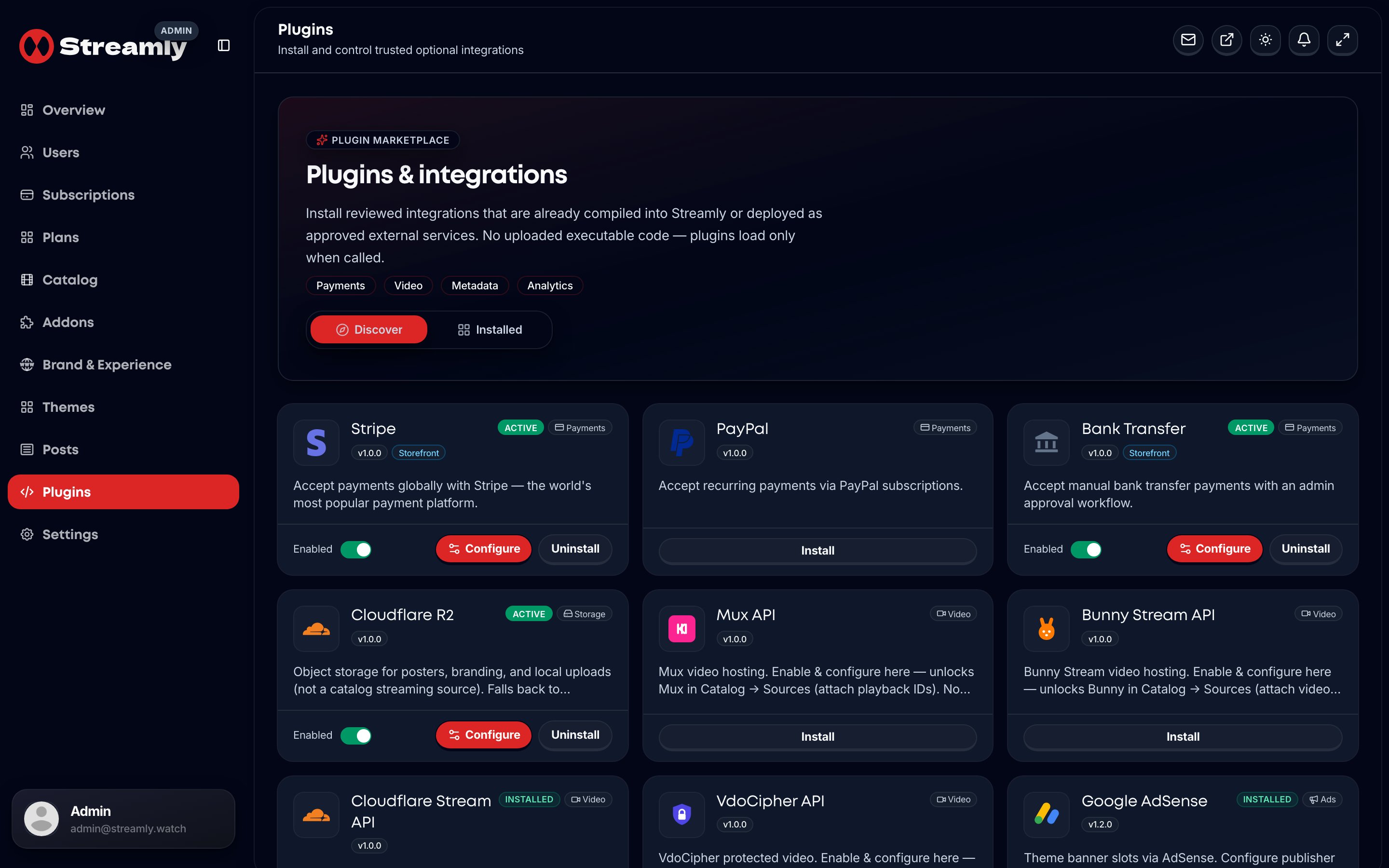
Admin Plugins — payments, video, ads, analytics, email, and Live TV.
Quick map
Configure sheet
- Open
/admin/plugins. - Install the pack.
- Fill activation keys (secrets stay server-side).
- For ads / analytics / email, also check the matching Settings tab.
Important product rules
- Mux / Bunny / CF Stream / VdoCipher: configure under Plugins — they unlock Catalog sources; not installed from Addons Discover. Upload at the vendor; paste IDs on titles.
- Ads: slot keys on the plugin sheet; Settings → Ads chooses provider + master enable (+ optional VAST preroll).
- DRM: EZDRM plugin removed — prefer VdoCipher OTP / “Prefer DRM-capable sources”.
- Google Ad Manager: removed — use AdSense or Adsterra.
- R2: storage only — never appears as a Catalog playback source.