

/admin/streaming-providers. They install streaming sources — not payments, ads, or storage.
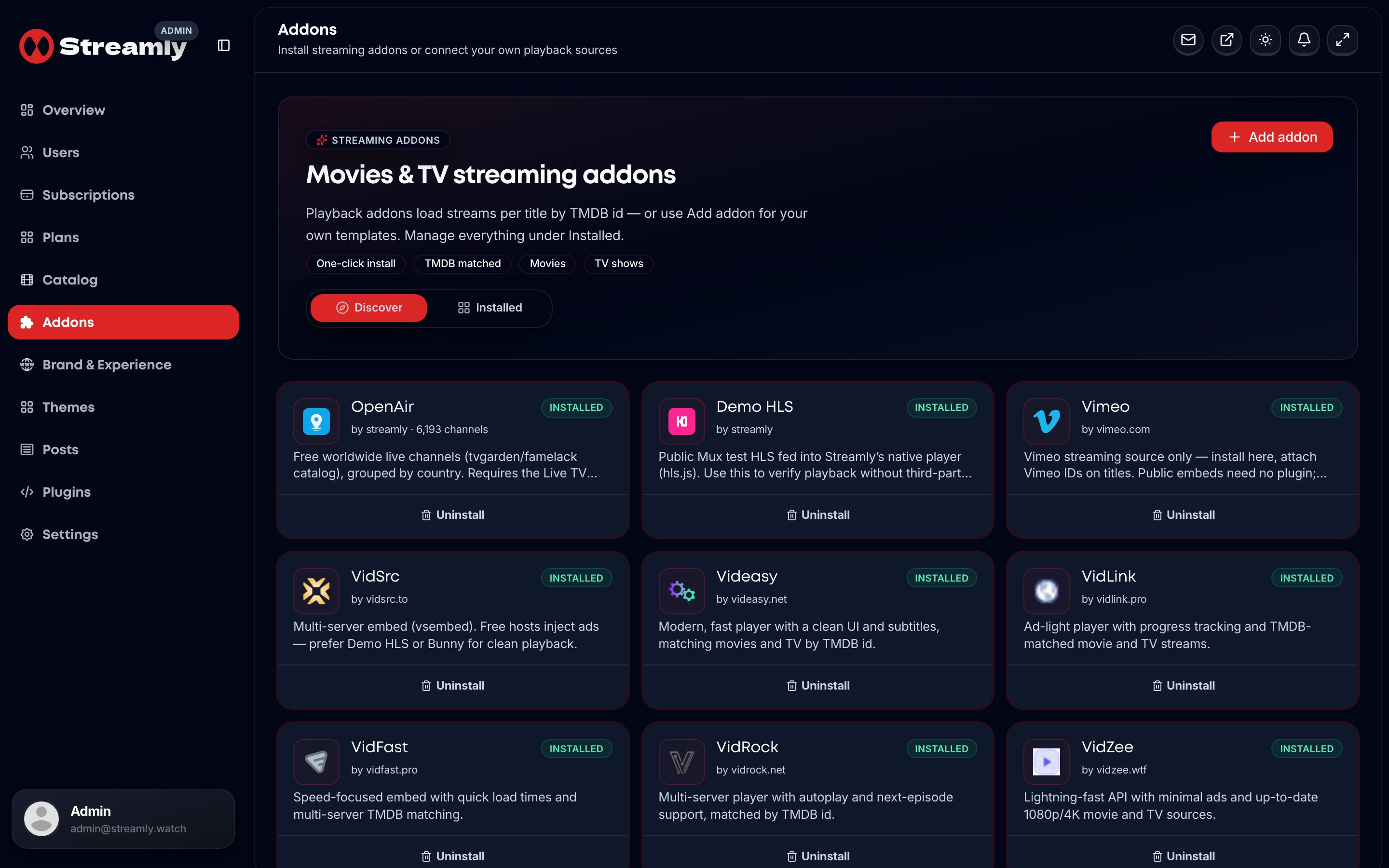
Admin Addons — Discover packs and installed streaming sources.
Discover UI
Shows: Does not show Mux, Bunny Stream, Cloudflare Stream, or VdoCipher — enable those via Plugins; Streamly links the source for Catalog → Sources.Operator workflow
1
Pick a strategy
Demo / embeds for experiments; video plugins for production VOD; Live TV + OpenAir for free channels.
2
Install or unlock
Discover packs →
/admin/streaming-providers. Managed CDN/DRM → configure the video plugin in /admin/plugins.3
Attach on titles
Catalog → edit title → Sources → paste Playback ID / GUID / UID / Vimeo id (or rely on TMDB id for embeds).
4
Verify as viewer
Play the title on the storefront. Prefer Demo HLS to isolate player issues from host ads.