

/admin/catalog) is the hub for your streaming library. Related routes:
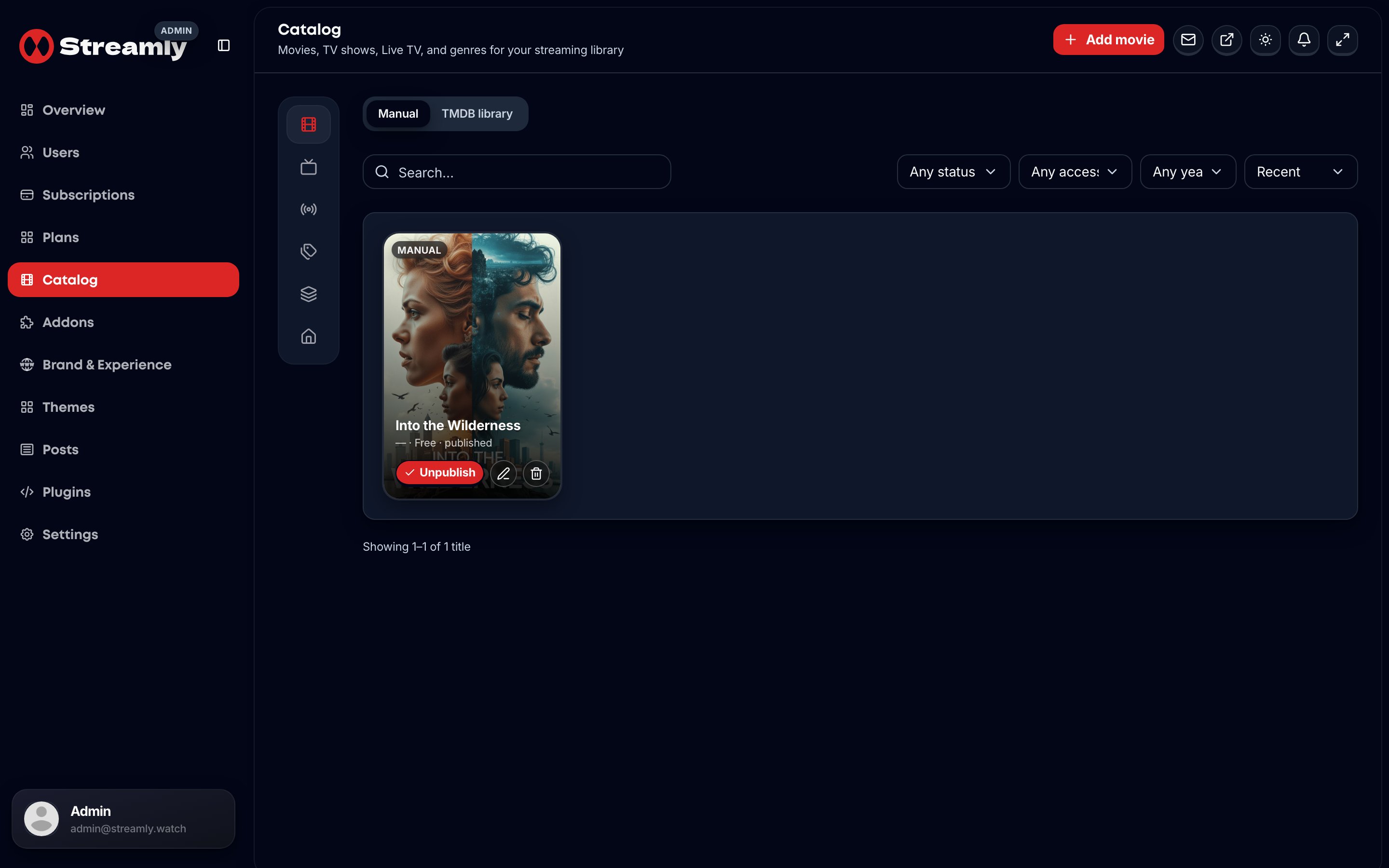
Admin Catalog — movies, shows, genres, and content sources.
Operator workflow
- Add or import a title.
- Attach metadata (optional
TMDB_API_TOKEN; bulk hydrate viapnpm run sync:tmdbon a laptop/CI). - Attach content sources on the title (see kinds below).
- For managed CDN vendors, install the matching addon (+ plugin API if needed).
- Confirm the title on the storefront (
/title/[slug]).
Content source kinds
Catalog Sources UI kinds (lib/streamly/content-source-kinds.ts):
Discover/TMDB embed addons (VidSrc, Videasy, …) stay separate from these per-title source rows — install them under Addons, then use them according to that pack’s attach flow.
Homepage sections and collections are part of the catalog data model (migration
002 and APIs under /api/v1).