

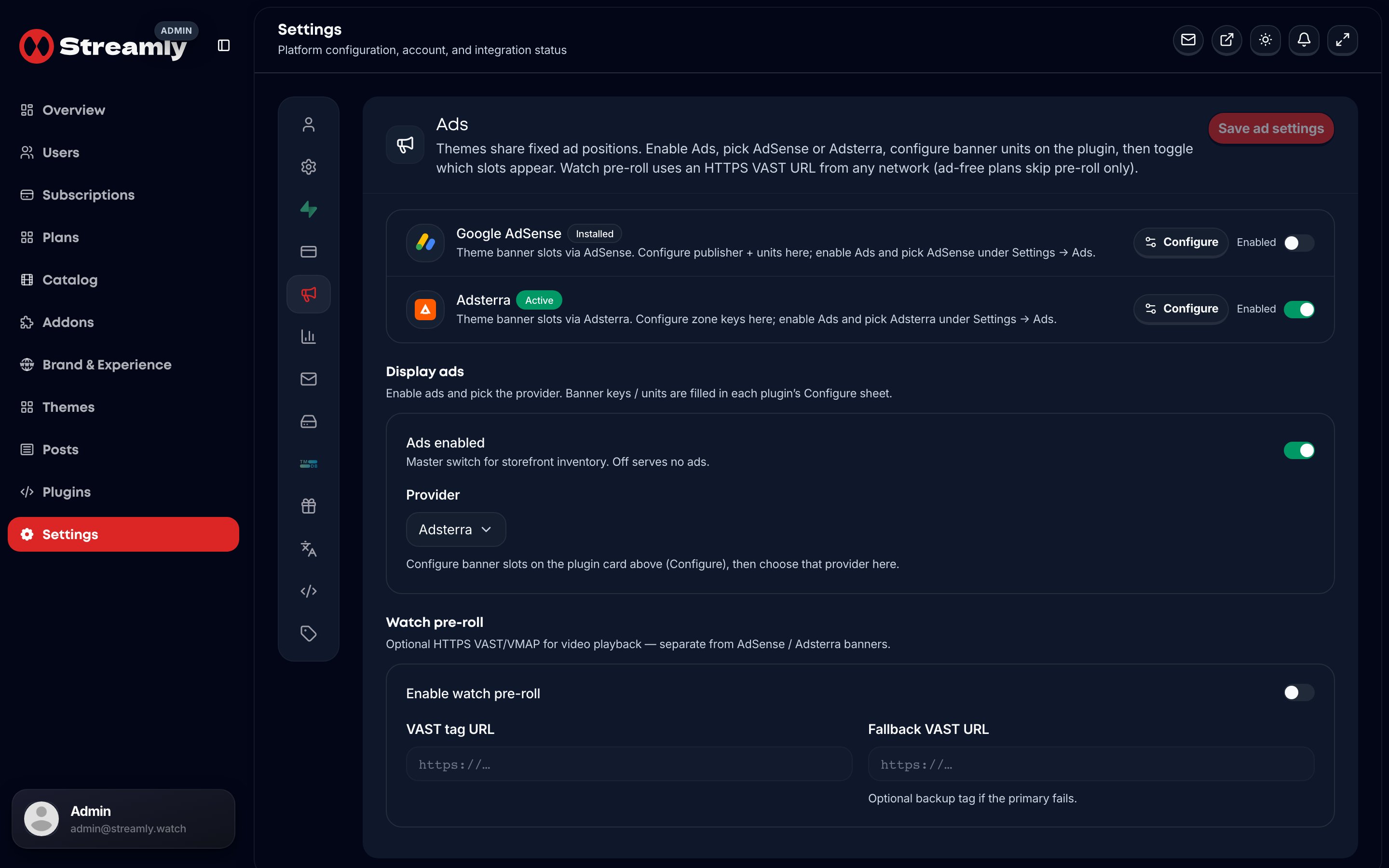
Settings → Ads — enable AdSense or Adsterra and theme slots.
Providers (ship set)
ads.google_ad_manager was removed from the ship set.
How to turn ads on
- Install and configure AdSense or Adsterra under
/admin/plugins(enable slots + paste keys). - Open
/admin/settings?tab=ads(or Settings → Ads): enable Ads and choose the provider. - Theme slots (Top, After hero, Mid feed, Before footer) apply across Streamly / Streamlix / StreamTube.