

/admin/themes) switches the public storefront between ready-made design packages under themes/<id>/.
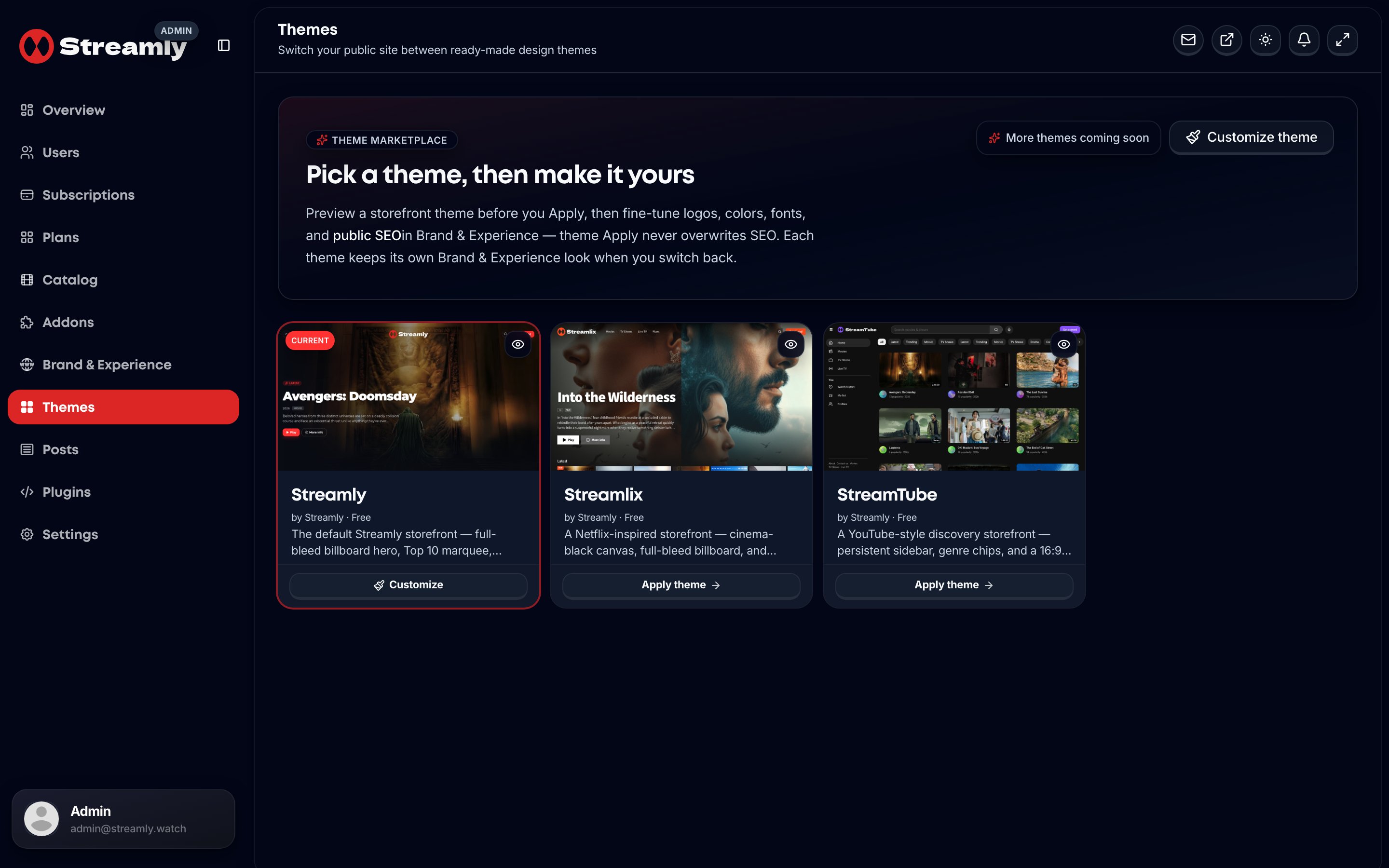
Admin Themes — apply and preview storefront design packages.
Built-in packages (all Final)
StreamTube buyer UX
- Desktop guide / rail navigation; mobile drawer
- Guide search (including voice search where permitted)
- Legal links in the guide (no classic marketing footer)
- Discovery-oriented chrome for catalog + Live TV
SHOW_THEME_PACKAGE_IO_UI = false).
Apply vs Preview
Live look changes only on Apply or Brand & Experience edit — install/export never auto-apply.
Isolation rules
- One route tree — do not fork pages per theme.
- Skins via
templateEntry→StorefrontThemeProvider/getStorefrontSkin. - CSS chrome scoped with
html[data-storefront-theme="…"].